

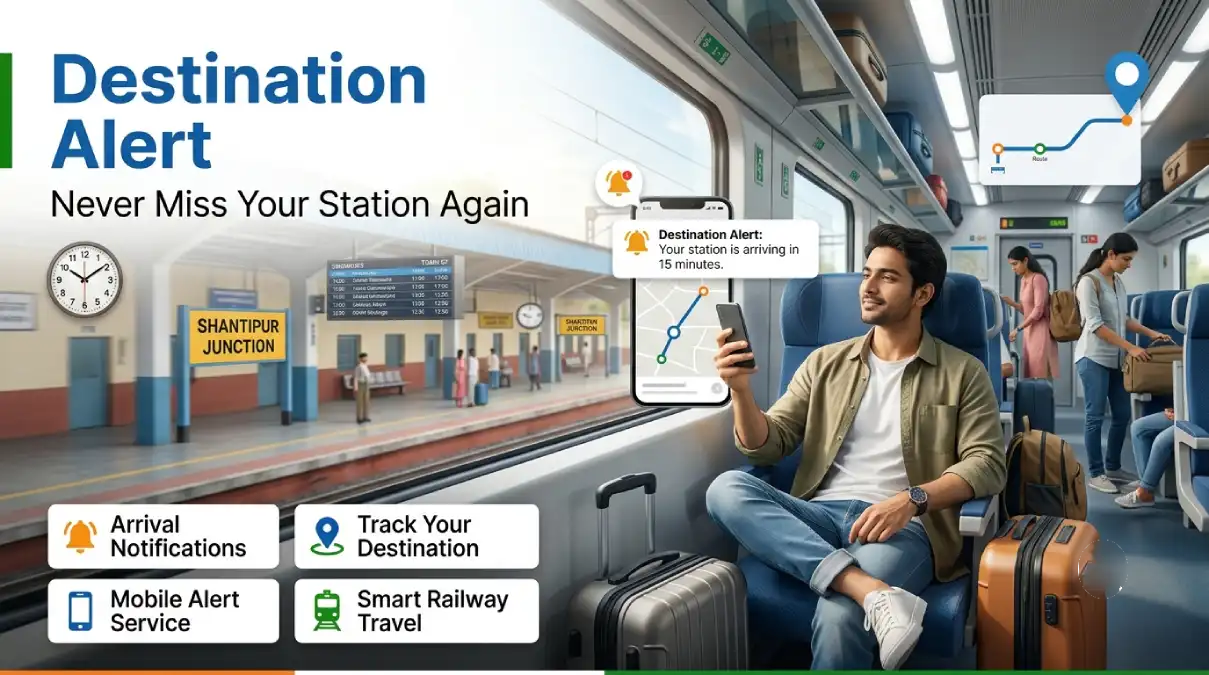
Travelling overnight by train and worried you will sleep past your station? Indian Railways has a simple solution that many passengers still do not know about. It is called the Destination Alert and Wake-up Alarm service on 139. You set it once, sleep peacefully, and Railways wakes you up before your station arrives.
This guide covers everything you need. How the service works, how to activate it by SMS or call, what it costs, and answers to the questions passengers ask most.
What is the Destination Alert Service?
Destination Alert is a service from Indian Railways that alerts you about 20 minutes before your train reaches your destination station. The service is free to set, though small call or SMS charges apply.
A few important points. The service works during night hours, from 11:00 PM to 7:00 AM, which is exactly when passengers are asleep and most likely to miss their station. You receive an alert call and an SMS on your mobile number roughly 20 minutes before arrival. It works on selected long-distance trains for reserved passengers, so you will need your PNR number to set it. Best of all, it works on any mobile phone. No internet and no smartphone are needed. Even a basic phone will do.
Destination Alert vs Wake up Alarm: What is the Difference?
Railways actually offers two similar services on 139, and passengers often mix them up.
The Destination Alert gives you a call about 20 minutes before the train’s scheduled arrival at your station. The Wake-up Alarm keeps ringing your phone like an alarm before the actual arrival, until you answer the call. For deep sleepers, the Wake-up Alarm is the safer choice, because the phone will not stop ringing until you pick up.
How to Set Destination Alert: 3 Easy Methods
Method 1: By SMS (Easiest)
Send a simple SMS to 139 from the mobile number on which you want the alert. The format is:
ALERT (space) your 10-digit PNR number
Example: ALERT 1234567890
You will get a confirmation SMS that reads: “DESTINATION ALERT call has been set on your mobile number for [Station Name]”.
Method 2: By Call (IVR)
Follow these steps:
- Dial 139 from the mobile on which you want the alert.
- Choose your preferred language.
- Select option 7 from the main menu.
- Press 2 for Destination Alert. (Press 1 if you want the Wake-up Alarm instead.)
- Enter your 10-digit PNR number.
- Press 1 to confirm.
That is it. A confirmation SMS will follow.
Method 3: Through a Customer Care Executive
Dial 139, choose your language, and ask to speak to a customer service executive. Share your PNR number, confirm your mobile number, and the executive will set the alert for you. You will receive a confirmation SMS after that.
Important: Call or send the SMS only from the mobile number on which you want to receive the alert. The alert is linked to the number you use, not to the number printed on the ticket.
Destination Alert Charges
The alert facility is provided by Railways, but standard 139 call and SMS charges apply. For calls, it is ₹1.20 per minute from metro cities and ₹2 per minute from non-metro areas. For SMS, it is roughly ₹3 per message. That is less than the price of a cup of tea for a guaranteed peaceful night’s sleep.
Tips for Using Destination Alert
- Set it before you sleep, not at booking time. The alert works on running trains, so set it once your journey starts or just before you doze off.
- Keep your phone on loud. The alert comes as a call, so silent mode defeats the purpose.
- Use an app as backup. Some travel apps also offer a destination alarm that works offline using cell tower location. Setting both the 139 alert and an app alarm is the safest combination.
- Travelling in a group? Set the alert on two different phones from two different numbers for double safety.
- Alert not received? The service depends on the train’s live running data. If your train is running very late or has been rescheduled, cross-check the live status by calling 139.
Frequently Asked Questions
Is the Destination Alert service free?
The service has no separate fee, but normal 139 call charges of ₹1.20 to ₹2 per minute, or SMS charges of about ₹3, will apply.
Does it work during the day?
The night alert service runs between 11 PM and 7 AM, which is when it is needed most. For daytime journeys, use a live train tracking app instead.
Do I need internet or a smartphone?
No. The 139 service works on any phone using calls and SMS only. This is its biggest advantage over apps.
Can I set an alert for someone else’s journey?
Set it from the mobile number that should receive the alert. If your parent is travelling, set it from their phone using the journey PNR.
What if I have a waitlisted ticket?
You need a valid, confirmed PNR. The alert is meant for reserved passengers. For waitlist boarding rules, read our guide on boarding with a waitlisted ticket.
Which number should I remember?
Just one: 139. It is the Rail Madad helpline for enquiry, destination alert, wake-up alarm and complaints, and it is available in several regional languages.
Quick Summary
| Service | Destination Alert and Wake-up Alarm |
|---|---|
| Number | 139 (call or SMS) |
| SMS format | ALERT [10-digit PNR] to 139 |
| Alert timing | About 20 minutes before arrival |
| Service hours | 11 PM to 7 AM |
| Works on | Any phone, no internet needed |
| Charges | ₹1.20 to ₹2 per minute call, about ₹3 per SMS |
Whether it is an overnight journey to Konkan, long-distance festival travel, or a late-night arrival at your home station, this small service saves you from the panic of waking up at the wrong stop. Do share it with someone who travels overnight by train.
Have you used the 139 Destination Alert? Tell us in the comments. Did the call come on time?