

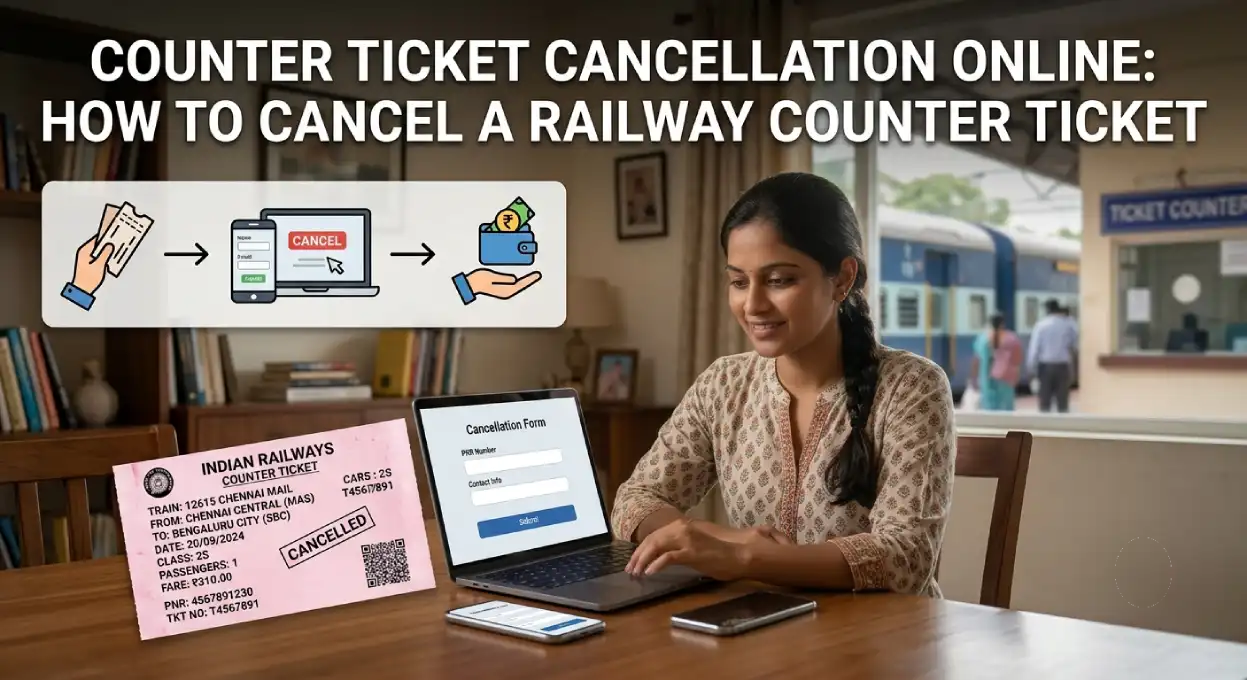
Counter Ticket Cancellation Online: How to Cancel a Railway Counter Ticket (2026)
Booked a train ticket at the railway counter (PRS) and now need to cancel it? You do not always have to go back to the station to cancel. Indian Railways lets you cancel a counter ticket online through the IRCTC website or by dialling 139, and then collect the refund at a PRS counter. This guide explains the full process, the rules, the time limits and where to get your refund, in simple words.
Good to know: Online cancellation only cancels the ticket and releases the seat. The refund is paid in cash at a PRS counter (the journey-starting station or a nearby satellite PRS location), not credited online, because you paid in cash at the counter.
Who Can Use This Facility
- You must have given a valid mobile number at the time of booking, since the cancellation is confirmed by OTP to that number.
- It works for confirmed, RAC and waitlisted PRS counter tickets.
- It is for normal cancellations only, not for cases like a train being cancelled or running very late (those follow the TDR route).
Time Limits for Counter Ticket Cancellation
| Ticket status | Cancel online up to |
|---|---|
| Fully confirmed | 4 hours before scheduled departure |
| RAC or Waitlisted | 30 minutes before scheduled departure |
After you cancel online, the seat or berth is released immediately and the refund amount due is shown on screen and sent by SMS. You then collect that amount in cash at a PRS counter within the allowed time.
Where to Collect the Refund
This is the part people miss, so plan for it before you cancel:
- If you cancel more than 24 hours before departure, you can collect the refund from any PRS counter of Indian Railways (up to 4 hours before departure for confirmed tickets, 30 minutes for RAC or waitlisted).
- If you cancel between 24 hours and the cut-off (4 hours for confirmed, 30 minutes for RAC or waitlisted), the refund is collected only at the journey-starting station or a nearby satellite PRS location.
- For late-night trains, special windows apply. For trains departing between 6:01 PM and 6:00 AM, the refund can be collected up to 4 hours after departure during PRS working hours, and for trains departing between 6:01 AM and 6:00 PM, in the first two hours after the PRS counter opens the next day, where round-the-clock cancellation is not available.
Important: Before cancelling, make sure you can reach the correct PRS counter to collect your cash refund within the time limit. If collecting from the journey-starting station is not convenient, weigh that up first.
Method 1: Cancel on the IRCTC Website
You do not need to log in for this. Indian Railways provides a dedicated counter-ticket cancellation page.
- Go to the IRCTC counter-ticket cancellation page at operations.irctc.co.in counter cancellation.
- Enter the PNR number and train number, and the captcha.
- An OTP is sent to the mobile number given at booking. Enter it to verify.
- The passenger and journey details are shown, along with the refund amount due.
- Confirm the cancellation. The PNR is marked cancelled, the seat is released, and an SMS with the refund amount is sent.
- Collect the refund in cash at the applicable PRS counter within the time limit.
Method 2: Cancel Through 139
You can also cancel by phone or SMS through the railway helpline 139.
By Calling 139 (IVR)
- Call 139 and choose the cancellation option from the menu.
- Select Counter Ticket when asked (139 cancellation is for counter tickets; e-tickets are cancelled on IRCTC).
- Provide the PNR as guided, verify by OTP, and confirm the cancellation.
- The refund amount is confirmed, to be collected at the PRS counter.
By SMS to 139
- Send an SMS to 139 in the format: CANCEL <PNR number> <Train number>.
- You receive an OTP by SMS after mobile number verification.
- Send the OTP back to 139 to confirm the cancellation.
- You get an SMS with the cancellation and refund amount details.
- Collect the refund at the PRS counter within the prescribed time.
Which Tickets Cannot Be Cancelled Online
Most counter PNRs, including printed I-tickets and tickets booked at counters, post offices, YTSK, Go India and bank terminals, can be cancelled online. The main exceptions are:
- Circular Journey tickets and onward tickets booked against them.
- Foreign tourist PNRs with berth already allotted.
- ATAS (auto-upgraded) generated new PNR.
- Duplicate tickets.
- Cluster tickets and pre-bought tickets.
For pass and PTO tickets, online cancellation is allowed, but since a pass carries zero refund, you must visit the counter to get the pass re-validated for fresh booking.
Counter Ticket vs E-Ticket Cancellation
Remember the basic split, as it confuses many travellers:
- Counter (PRS) tickets are cancelled online or via 139, but the refund is collected in cash at a PRS counter.
- E-tickets (booked on IRCTC) are cancelled online in your IRCTC account, and the refund goes back to your original payment method. See our Train Ticket Refund Status guide.
- After chart preparation, a confirmed ticket cannot be cancelled online. In valid cases you file a TDR instead.
Frequently Asked Questions
Can I cancel a railway counter ticket online?
Yes. Use the IRCTC counter-cancellation page or dial 139. The ticket is cancelled online, and the refund is collected in cash at a PRS counter.
Do I need to log in to cancel a counter ticket on IRCTC?
No. The counter-ticket cancellation page does not need a login. You enter the PNR, train number and an OTP sent to your registered mobile.
How do I cancel a counter ticket by SMS?
Send CANCEL <PNR> <Train number> to 139, then send the OTP back to 139 to confirm.
Where do I get the refund for a counter ticket?
In cash at a PRS counter, either any PRS counter (if cancelled more than 24 hours before) or the journey-starting or nearby satellite PRS station (if cancelled closer to departure).
What is the time limit to cancel a counter ticket online?
Up to 4 hours before departure for confirmed tickets, and up to 30 minutes before for RAC or waitlisted tickets.
Can I cancel only some passengers on a counter ticket online?
Online counter cancellation processes the full PNR. For partial cancellation of a counter ticket, you generally need to visit a PRS counter.
Quick Summary
| How to cancel | IRCTC counter-cancellation page or dial or SMS 139 |
| Confirmed ticket | Cancel up to 4 hours before departure |
| RAC or Waitlist | Cancel up to 30 minutes before departure |
| Login needed | No (OTP to registered mobile) |
| Refund | Cash, at a PRS counter |
| Needs | Mobile number given at booking |
Cancelling a counter ticket online saves a trip to the station for the cancellation itself, though you still collect the cash refund at a PRS counter. Keep your PNR and registered mobile handy, mind the time limits, and check where you can collect the refund before you cancel. For more, see our guides on Train Ticket Refund Status, the TDR Rule, and Railway Ticket Enquiry and Booking.
Have a question about cancelling your counter ticket? Ask in the comments, and we will help in simple words.
Can’t we cancel the partial ticket for some passengers, like we are traveling in a group of 16 and 2 of them are not coming, so how its done for counter ticket via online cancellation method?
Counter ticket Cancellation steps already explained. Please check out Counter Ticket Online Cancellation Steps
Please also mention that after Chart is prepared, E tickets, that is tickets booked on internet can be cancelled only by filing TDR. Log into your account, click on file TDR and enter the details there. This can be done upto 4 hours after departure (upto 500 kms) six hours for beyond 500 kms. Same holds good for counter booking, except that you have to go to the Reservation counter at any PRS center and follow the procedure of filling the form up and submitting it.